1 Get ready to build apps with Swift!
This opening chapter invites beginners to start building iOS apps with Swift, showing that with curiosity and practice, anyone can learn. The author shares a motivating personal story of publishing a first app at a young age and frames the book as a milestone-based journey. You begin by understanding what apps and code are, get a taste of the Swift language, and quickly move on to installing the tools you need so you can type and run your first line of code—while also setting expectations that complex, polished games require further learning beyond the fundamentals introduced here.
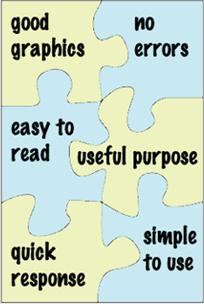
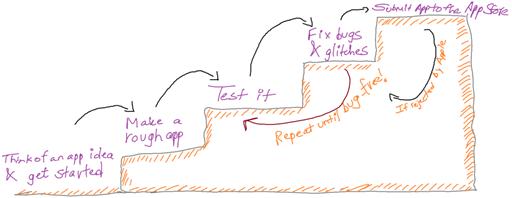
The chapter explains that an app is a purposeful program, often on mobile devices, and outlines what makes good apps: appealing graphics, simplicity, readable text, quick responses, usefulness, and reliability. It introduces programming as giving a computer precise, step-by-step instructions—much like a recipe—leveraging the computer’s strengths in calculation and repetition. You also see the end-to-end path from idea to App Store: build a starter version, test, fix bugs, iterate, submit, learn from rejections if they happen, and persevere, always refining design and usability along the way.
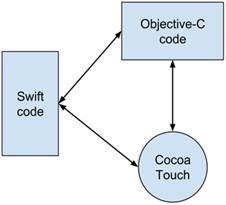
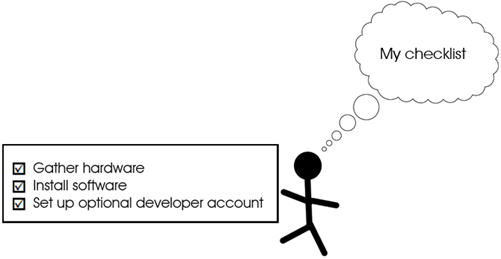
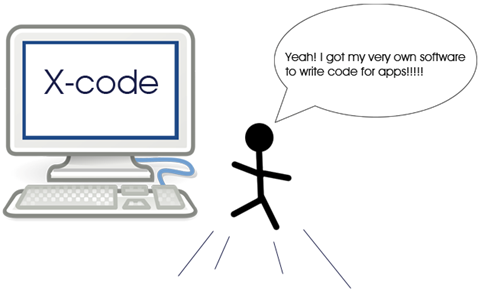
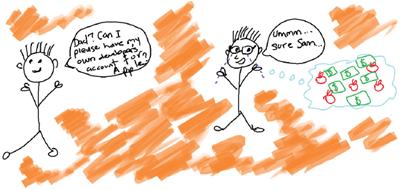
You’re introduced to Swift as Apple’s modern language for iOS, macOS, watchOS, and tvOS, valued for concise, readable code and bolstered by real-time experimentation in Playgrounds; while Swift covers most needs, a little Objective-C and Apple’s Cocoa frameworks sometimes help with advanced capabilities like media, graphics, data, and networking. The chapter then helps you prep your toolbox: use a Mac, install Xcode from the App Store, optionally connect an iPhone or use the built-in Simulator, and know that a paid developer account is only required when you’re ready to publish to the App Store. Finally, you launch Xcode, create a Playground, and print “Hello Swift Apps!” to see instant results—your first working Swift code and the starting point for building full apps in the next chapters.
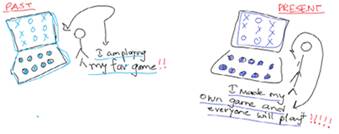
Screenshots from my first app on the App store
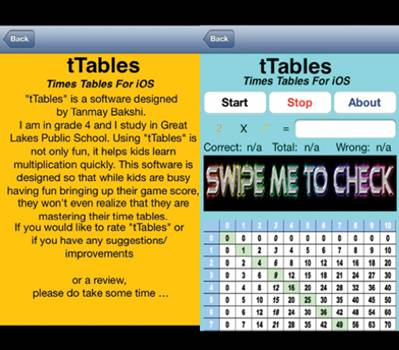
Think of an idea! Apps for everyone!
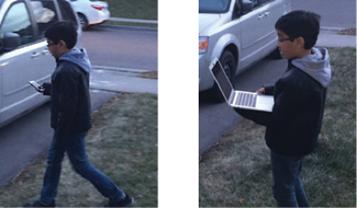
Walking with a mobile device and walking with a laptop.
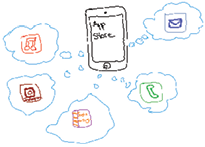
All of these app pieces are necessary!
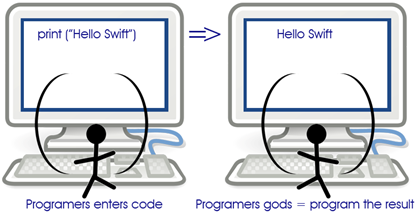
: The programming process
: The steps to creating an app.
: We’ll mostly work with Swift, but we need a little Objective-C and Cocoa to make our apps better.
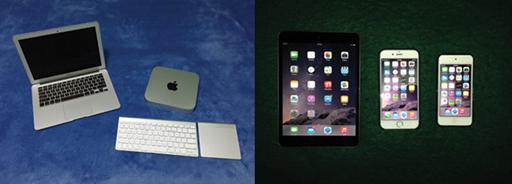
MacBook Air and Mac mini are just a couple of options for developing your apps (left); iPad, iPhone and iPod touch are testing options (right)
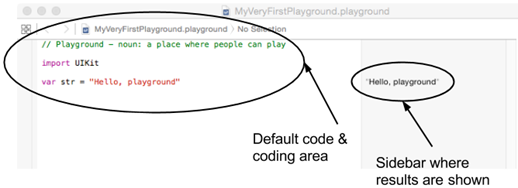
The default playground.
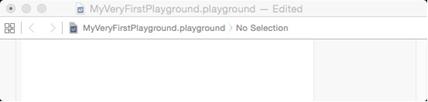
The playground after you’ve deleted the text.
After you’ve typed your first code, the screen will look like this.
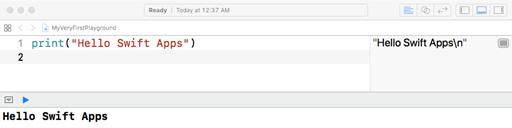
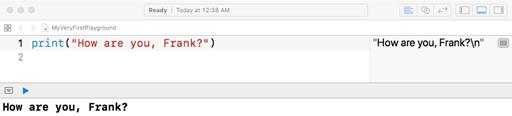
See how the text changed in the sidebar?
Check your app knowledge!
Try these:
- What would you type if you want to display: “Good morning Swift” in the playground?
- What will be displayed if you type print(“5+4”)?
- What will be displayed if you type print(5+4)?
- What qualities should your app have to be a good app, Why?
FAQ
What is an app?
An app (short for application) is a program created for a purpose—like entertaining, educating, informing, or solving a problem—most commonly used on mobile devices.What do you mean by mobile devices?
Portable devices such as iPhones, iPads, iPod touch, tablets, and phones that you can use on the go, unlike desktop or laptop computers.What makes a good app?
- Good graphics
- Simplicity and clean design
- Easy-to-read text with good contrast
- Quick, responsive actions
- Useful purpose
- Few or no errors (bugs)

 Hello Swift! ebook for free
